
If you're looking for the main PH8 website before troubleshooting your mobile installation, you can access it directly and confirm that you're starting from the correct site.
Seeing a PH8 install error can be frustrating, especially when the application has already finished downloading but Android still refuses to install it. If you are experiencing a PH8 app not installing problem, the cause may be simpler than it appears.
A failed PH8 install can happen because of an incomplete APK file, insufficient storage, blocked Android permissions, an existing application conflict, device incompatibility or a security warning.
The important thing is to identify exactly which stage is failing.
Is the PH8 app download not completing? Is the PH8 APK installation being blocked? Are you seeing a PH8 APK not installing message? Or has installation finished but the PH8 login app is not allowing you to access your account?
These are different problems and should be handled differently.
If you are installing the application for the first time, you can begin with the main PH8 installation guide. This article focuses specifically on installation errors and troubleshooting.
PH8 Install Error: Quick Troubleshooting Table
Use this table before changing advanced settings on your phone.
| PH8 Problem | Possible Cause | What to Check First |
|---|---|---|
| PH8 app download stops | Browser or internet interruption | Download connection |
| PH8 APK not installing | APK or compatibility problem | APK file and Android version |
| PH8 installation failed | Storage or package conflict | Free storage and installed apps |
| PH8 install blocked | Android installation permission | Install Unknown Apps setting |
| APK cannot be opened | Incomplete or corrupted file | Delete and download again |
| App installed but will not open | Compatibility or corrupted application data | Restart device |
| PH8 login app does not work | Password, OTP or account issue | Login credentials |
This approach helps determine whether you actually have a PH8 install error or a completely different problem.
Why Is the PH8 App Not Installing?
There is no single reason for a PH8 app not installing issue.
Android checks several things before allowing an APK to be installed. The operating system may examine the file, installation source, available storage, application package, existing versions and device compatibility.
Because of this, a PH8 installation failed message does not automatically mean that the application itself is unavailable.
The failure may be happening locally on your device.
Common causes include:
- incomplete APK download;
- insufficient device storage;
- Android installation permissions;
- incompatible Android version;
- previous app installation conflicts;
- corrupted APK file;
- device-security restrictions;
- outdated application package.
Checking these individually is safer than repeatedly downloading different APK files.
1. Check Whether the PH8 App Download Finished
Before troubleshooting the APK itself, confirm whether the PH8 app download completed successfully.
A download can be interrupted when:
- Wi-Fi disconnects;
- mobile data becomes unstable;
- the browser closes;
- storage becomes full;
- the download connection is interrupted.
An incomplete file may still appear inside your Downloads folder, which can make it look like the APK is ready for installation.
However, Android may reject the package once installation begins.
If you believe the download was interrupted, delete the incomplete file before downloading another copy.
Do not keep several similarly named APK files because it becomes difficult to know which file is complete.
For the normal download process, see the PH8 app download page.
2. What Does PH8 APK Not Installing Mean?
A PH8 APK not installing problem usually means Android successfully found the APK but could not complete installation.
You might see messages such as:
App not installed
There was a problem parsing the package
Installation blocked
or another Android installation warning.
Possible causes include:
- incompatible APK version;
- damaged installation package;
- previous version conflict;
- insufficient storage;
- blocked installation source.
If the APK cannot be installed after multiple attempts, avoid immediately searching for modified copies from unrelated websites.
Instead, identify the cause of the PH8 install error first.
3. Check the PH8 APK Installation Permission
Android can restrict APK installations from browsers or file-management applications.
If you downloaded the APK using Chrome, for example, Android may require Chrome to have permission to initiate the installation.
Depending on your Android phone, look for something similar to:
Settings → Apps → Special App Access → Install Unknown Apps
Then choose the browser or file manager used to open the APK.
If installation access is disabled, Android may prevent the PH8 APK installation from proceeding.
The wording and location may differ between Android brands such as Samsung, OPPO, vivo, realme, Xiaomi and HONOR.
Only grant installation permission to an application you intentionally use for downloading the APK.
After installation, you can also review whether that permission still needs to remain enabled.
4. PH8 Installation Failed Because of Low Storage
One commonly overlooked reason for a PH8 installation failed message is insufficient storage.
Downloading an APK requires storage, but installing the application can require additional temporary space.
Android may need to:
- read the APK;
- extract application components;
- prepare installation files;
- create app data;
- complete installation.
Therefore, having storage equal to the APK file size may not be enough.
Open:
Settings → Storage
Check how much free space remains.
If the device is nearly full, remove unnecessary screenshots, duplicate videos, old downloads or unused applications.
Restart the phone afterward and attempt the PH8 install again.
5. Check Whether PH8 Is Already Installed
A previous application version can sometimes interfere with a new installation.
Go to:
Settings → Apps
Search for the existing PH8 application.
If one is already present, check whether it can be updated normally before deleting anything.
This matters because removing an existing application may also remove locally stored application data.
Before uninstalling, make sure you know the login information associated with your account.
A conflicting application package can sometimes cause Android to display a PH8 APK not installing or PH8 installation failed message.
6. Check Your Android Version
Device compatibility is another possible explanation for a PH8 app not installing problem.
An APK can be created for a minimum Android version or particular system architecture.
A newer APK may therefore fail on an older Android phone.
Likewise, a very old APK may behave incorrectly on newer Android versions.
Check your Android version under:
Settings → About Phone → Android Version
The location varies by manufacturer.
If you downloaded an older package, do not automatically search random APK repositories for alternative files.
Use a source you trust and verify that you are downloading the intended application version.
For more information about APK installation, see the PH8 APK article.
7. Delete an Incomplete APK Before Reinstalling
Repeatedly opening the same damaged APK will usually produce the same error.
If your PH8 APK installation repeatedly fails:
- delete the existing APK;
- restart the device;
- reconnect to a stable network;
- download a new copy;
- wait for the download to complete;
- open the new file.
This creates a cleaner troubleshooting process.
If the second APK works, the original PH8 install error may simply have been caused by an incomplete download.
8. Do Not Automatically Ignore Android Security Warnings
There is an important difference between a standard installation-permission prompt and an Android security warning.
If your device warns that an application may be unsafe, investigate the warning before proceeding.
Do not automatically disable Android security features just because your PH8 app not installing issue continues.
Also avoid APK files sent by unknown users through Messenger, Telegram, unofficial groups, random download pages or shortened links.
Be particularly careful if someone claims you need a modified APK to access additional account features or promotions.
An installation process should not require you to send another person your password or OTP.
9. PH8 Install Finished but the App Will Not Open
Sometimes users believe they still have a PH8 install error when installation has actually finished successfully.
If the application appears on your device but immediately closes, freezes or displays a blank screen, the problem is now an application-startup issue.
Try:
- restarting the phone;
- checking internet connectivity;
- checking Android updates;
- checking whether a newer application version is available;
- closing unnecessary background apps;
- reviewing available storage.
If the app starts working after restarting the device, another temporary Android process may have caused the problem.
10. PH8 Login App Not Working After Installation
The PH8 login app stage happens after installation.
If the application opens but you cannot enter your account, reinstalling the APK repeatedly may not solve the problem.
Login issues can include:
- incorrect password;
- expired OTP;
- delayed verification code;
- unstable internet;
- incorrect account details;
- temporary account-security verification.
For account-access troubleshooting, use the PH8 login page.
This distinction is important.
PH8 install means putting the application on your device.
PH8 app download means obtaining the APK file.
PH8 APK installation refers to Android processing and installing the APK.
PH8 login app refers to accessing your account after successful installation.
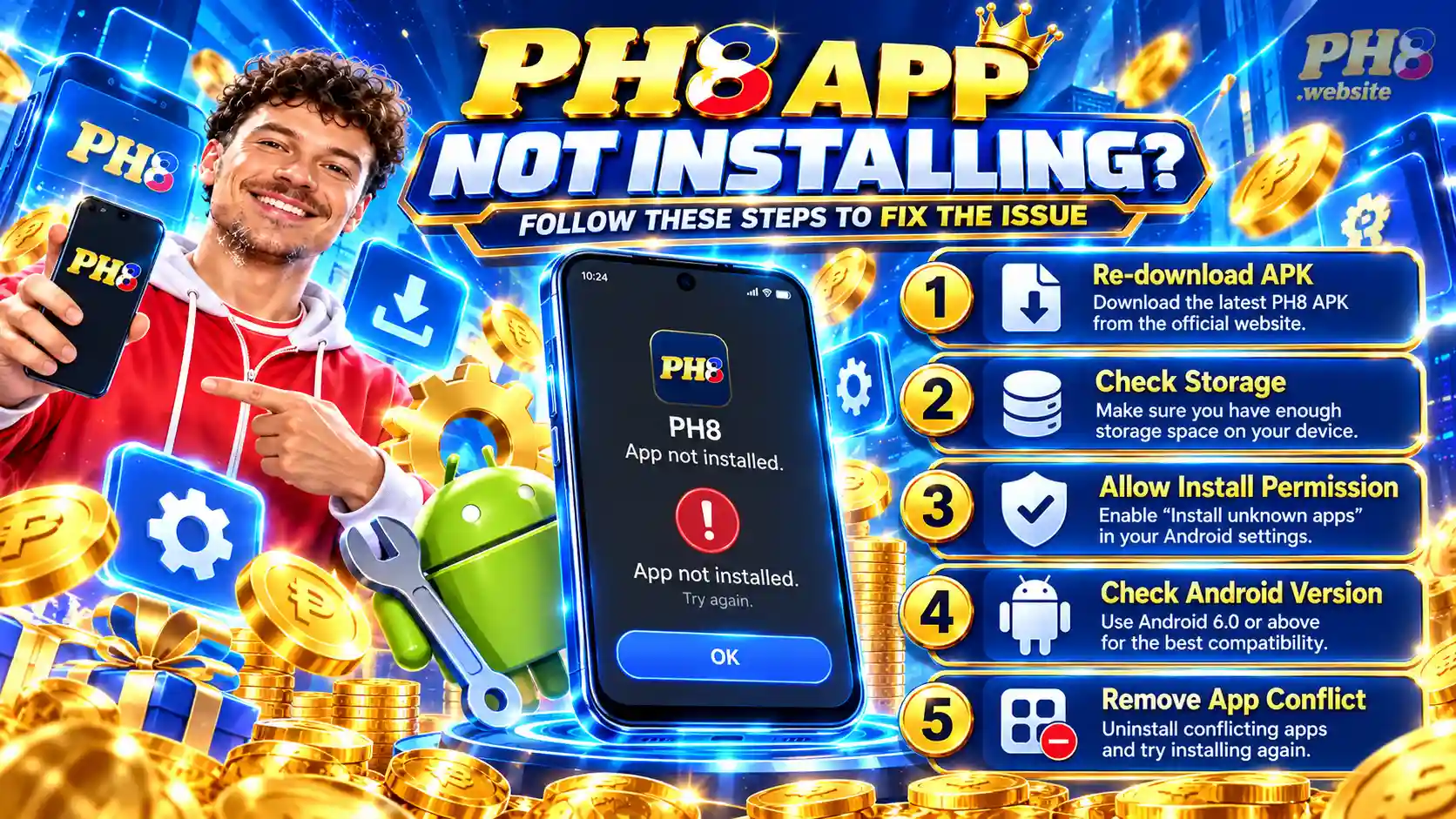
PH8 Install vs PH8 App Download vs PH8 APK Installation
Understanding the terminology can make troubleshooting easier.
PH8 App Download
A PH8 app download refers to downloading the application file to your phone.
If the download never completes, you have a download problem rather than an installation problem.
PH8 Install
A PH8 install begins after the APK has successfully downloaded and Android attempts to place the application on your device.
PH8 APK Installation
The PH8 APK installation is the technical installation process Android performs after you open the package.
PH8 Install Error
A PH8 install error occurs when something prevents Android from completing that process.
PH8 Login App
The PH8 login app process happens only after the application successfully opens and you attempt to access an account.
Keeping these stages separate helps you troubleshoot more accurately.
What Should You Do When PH8 Installation Failed?
If PH8 installation failed, use this order instead of immediately changing multiple Android settings.
Step 1: Check the APK
Confirm that the file finished downloading.
Step 2: Check Storage
Make sure your device has enough free space.
Step 3: Check Android Permission
Review whether your browser or file manager can install APK files.
Step 4: Check Existing Applications
Look for a previously installed version.
Step 5: Check Compatibility
Confirm whether the APK works with your Android version.
Step 6: Restart the Device
Restart before trying another clean installation.
Step 7: Investigate Security Warnings
Never bypass strong security warnings without understanding why they appeared.
Following a structured process is safer than repeatedly downloading new APK files.
Can Reinstalling Fix a PH8 Install Error?
Sometimes.
A clean reinstall may help when the original installation package was incomplete or corrupted.
However, reinstalling will not solve every issue.
For example, reinstalling may not fix:
- incompatible Android versions;
- insufficient storage;
- blocked installation permissions;
- account-password errors;
- expired OTP codes;
- network problems.
Determine what caused the PH8 install error before assuming reinstalling is the solution.
When Should You Stop Trying to Install the APK?
Stop the installation process if something appears unusual.
Examples include:
- the download suddenly redirects to an unrelated website;
- the APK has an unexpected filename;
- Android produces a serious security warning;
- someone tells you to disable multiple security protections;
- the app requests permissions unrelated to its function;
- someone asks for your password;
- someone asks for your OTP;
- someone requests account or wallet credentials.
A persistent PH8 APK not installing issue should be diagnosed, not forced.
Frequently Asked Questions About PH8 Install Errors
Why am I getting a PH8 install error?
A PH8 install error can happen because of a damaged APK, insufficient storage, Android installation permissions, compatibility problems or an existing application conflict.
Why is the PH8 app not installing?
A PH8 app not installing problem can occur when Android cannot verify, process or install the APK. Check storage, compatibility, download integrity and installation permissions.
Why is my PH8 APK not installing?
If you experience PH8 APK not installing, delete incomplete files, verify your Android version, check storage and make sure the browser or file manager has permission to install the APK.
What should I do if PH8 installation failed?
When PH8 installation failed, identify whether the problem is related to the APK file, device storage, Android permission, compatibility or another existing installation.
How does PH8 APK installation work?
A PH8 APK installation begins after the APK has been downloaded and opened. Android examines the package before allowing the application to be installed.
Where can I complete a PH8 app download?
Use the normal PH8 app download instructions to understand the download process before troubleshooting installation problems.
Is PH8 install the same as PH8 app download?
No. A PH8 app download obtains the application file, while a PH8 install places the downloaded application on the Android device.
Why does the PH8 login app not work after installing?
If the PH8 login app opens but you cannot access your account, the issue could involve your password, OTP, connection or account verification rather than APK installation.
Final Thoughts: How Do You Fix a PH8 Install Error?
A PH8 install error does not always require complicated troubleshooting.
Start by determining whether the problem is happening during the PH8 app download, PH8 APK installation, application startup or PH8 login app stage.
If you see PH8 APK not installing, verify the APK file, available storage, Android version and installation permissions.
If PH8 installation failed, also check whether an older application version is creating a package conflict.
And if your main problem is PH8 app not installing, avoid repeatedly downloading random APK files. Diagnose the actual cause first.
Keeping the PH8 install, download, APK installation and login stages separate gives you a clearer way to identify the problem while avoiding unnecessary changes to your phone.